
Appearance
Introduction to Offline Mode
What Is Offline Mode
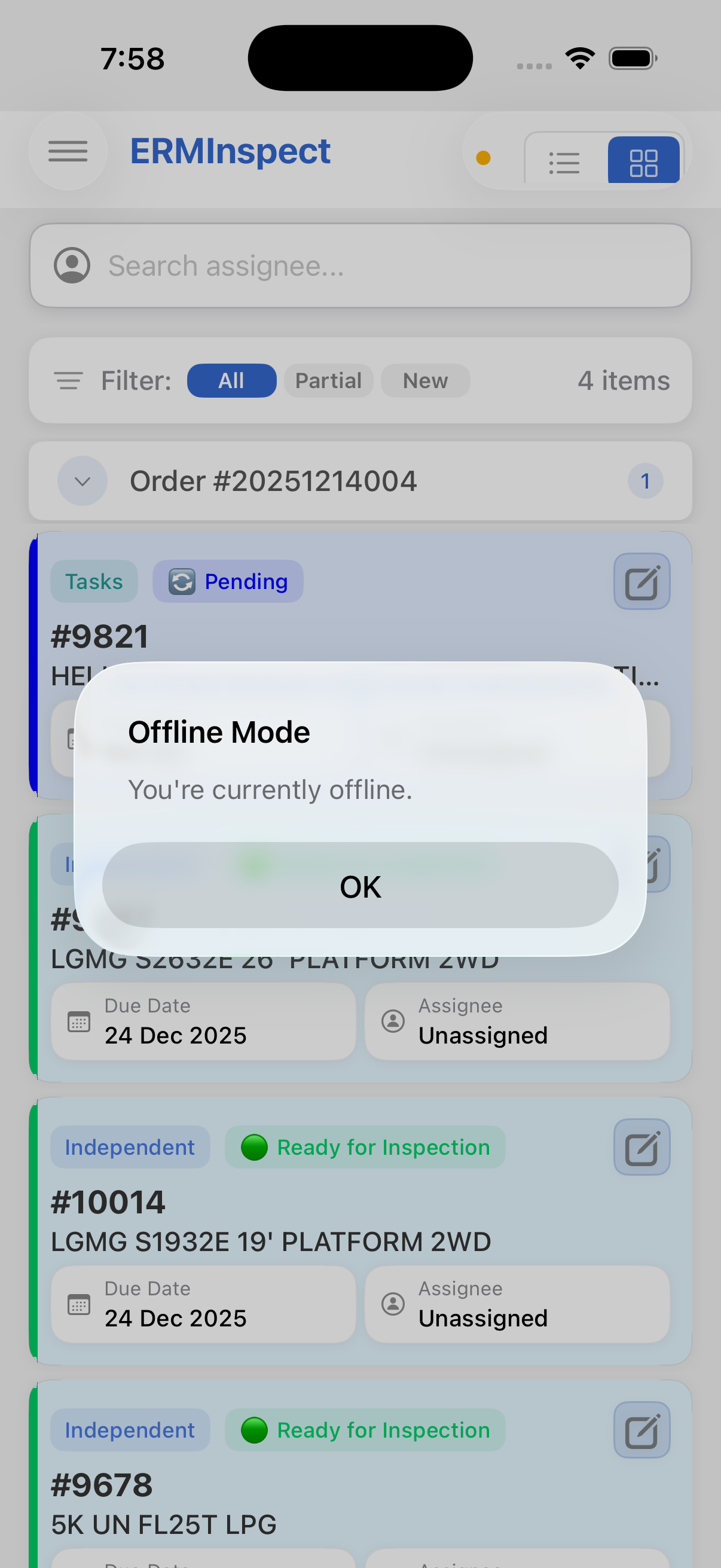
Offline Mode is InspectERM's built-in capability to operate fully without an internet connection. When your device cannot reach the CloudERM servers - due to poor signal, no signal, or a network outage - the application automatically switches to Offline Mode and continues operating normally.
Why Offline Mode Exists
Field teams frequently work in environments where connectivity is unreliable or absent:
- Remote locations with no cellular signal
- Large indoor facilities with limited wireless coverage
- Underground or shielded work areas
- Rural or industrial sites far from network infrastructure
InspectERM is designed so that connectivity is never a barrier to completing work. All core workflows remain available regardless of network state.
The Core Guarantee
No work is ever lost. Everything completed offline is saved on your device and synchronized with CloudERM automatically when connectivity returns. No manual action is required.
Key Characteristics
| Property | Detail |
|---|---|
| Automatic detection | Connectivity changes are detected in real time - no manual toggle |
| Full functionality | All inspection and task workflows are available offline |
| Zero data loss | All offline actions are persisted to local storage before any confirmation is shown |
| Automatic sync | Data uploads to CloudERM as soon as a connection is available |
| No manual steps | No sync button to press or action to confirm |