Appearance
Accessing Off-Rent Inspections
Off-rent inspections appear on the main work list alongside all other assigned work. They are identified by the purple "Inspection - Off-Rent" badge.
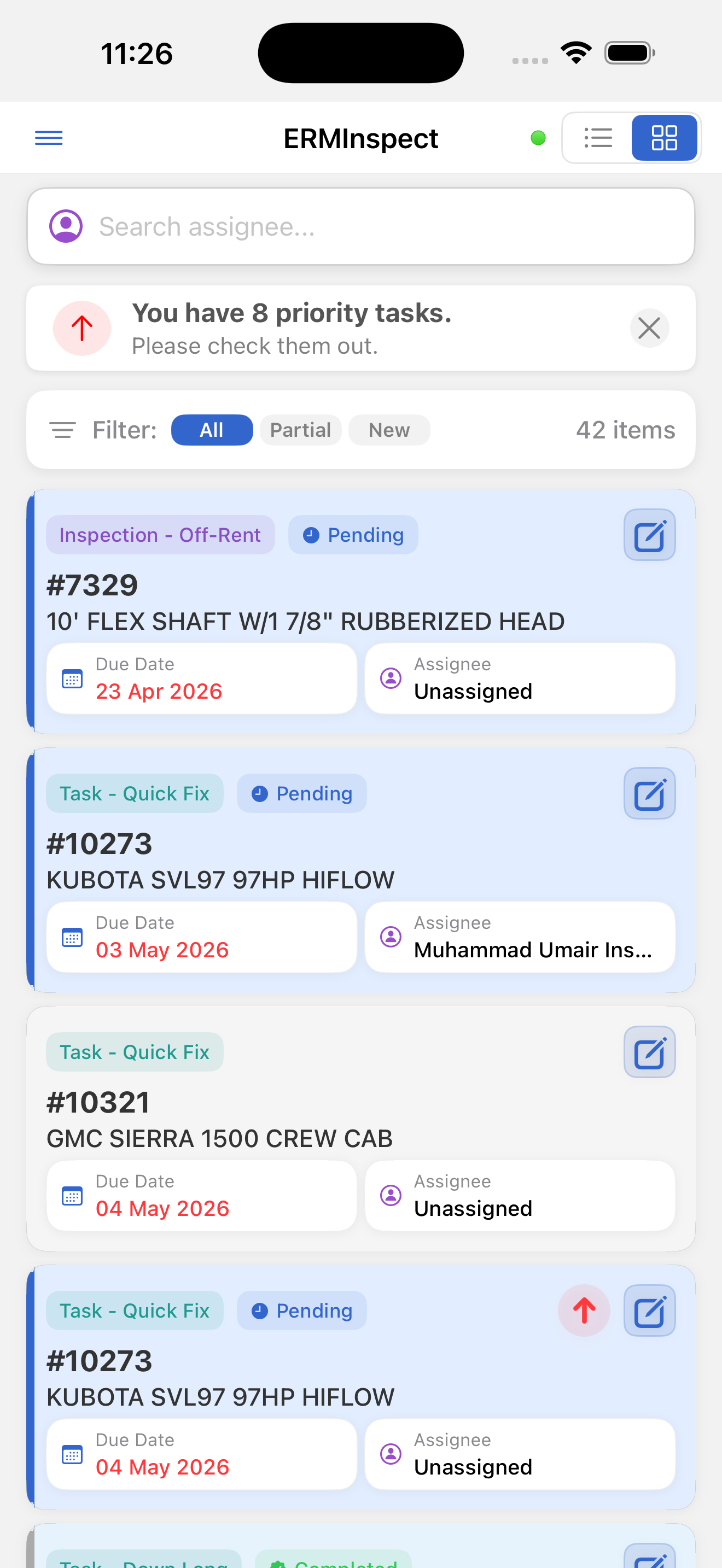
To view off-rent inspections only:
- Open the side drawer (☰)
- Tap Inspections
- The list shows only inspection items (Dispatch, Off-Rent, and Independent)
Ordering: Cards are sorted by expected start date, ascending. Inspections in the same order are grouped under a collapsible Order #XXXXX header.
Opening an off-rent inspection: Tap the card to open the detail screen.