Appearance
Logging In
If you are a new user registered on CloudERM, head over to your registered email's inbox. You'll find an email from CloudERM that contains your login credentials.
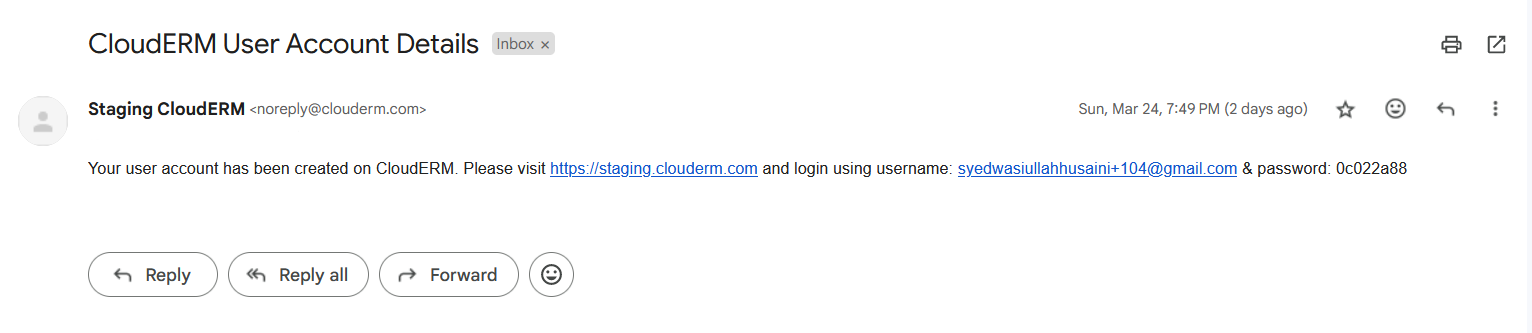
Head back to CloudERM and enter these credentials on the login screen, and click on the Login Button
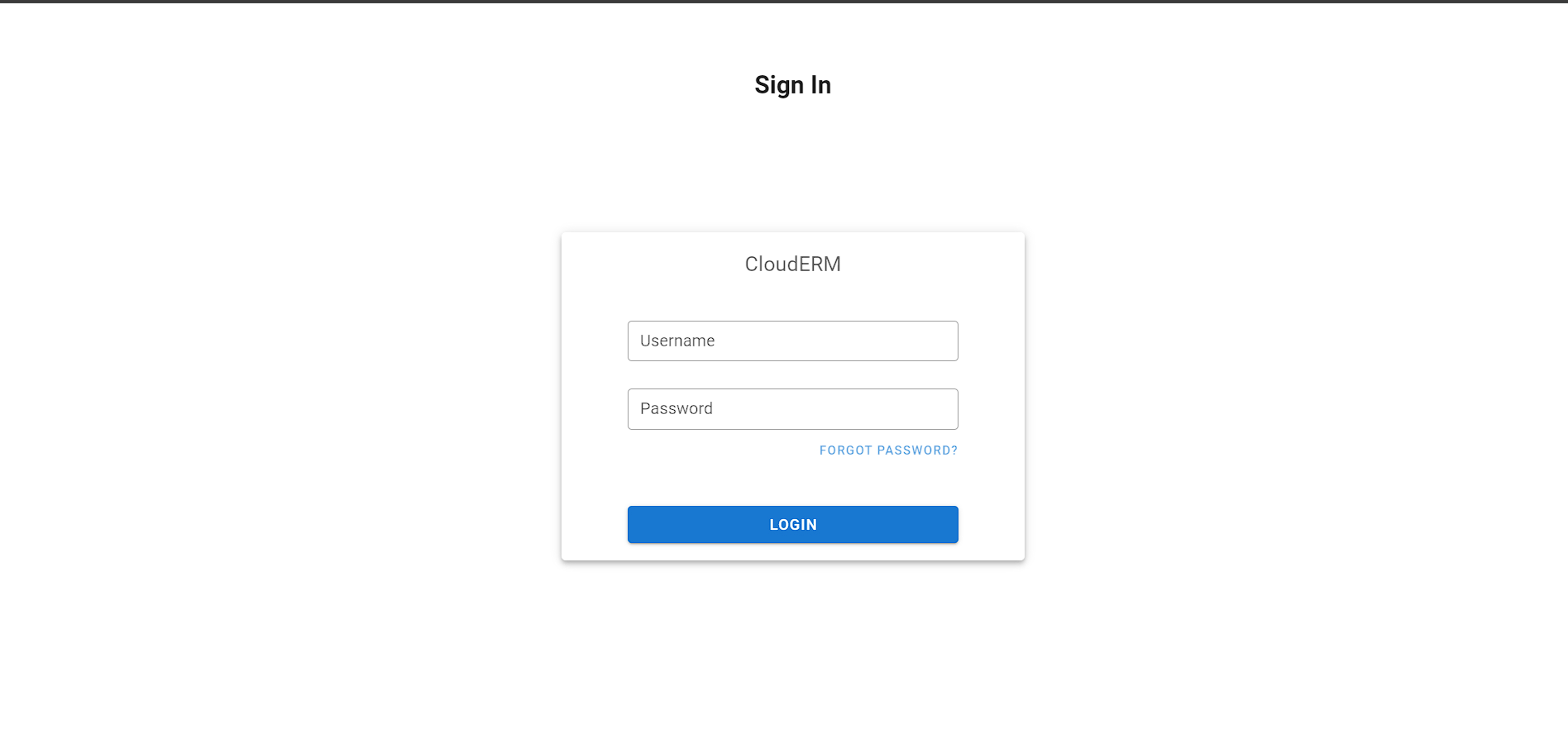
If the password is wrong, an Incorrect Password error notification is now shown so you know the login failed (previously a wrong password could fail without any visible message).