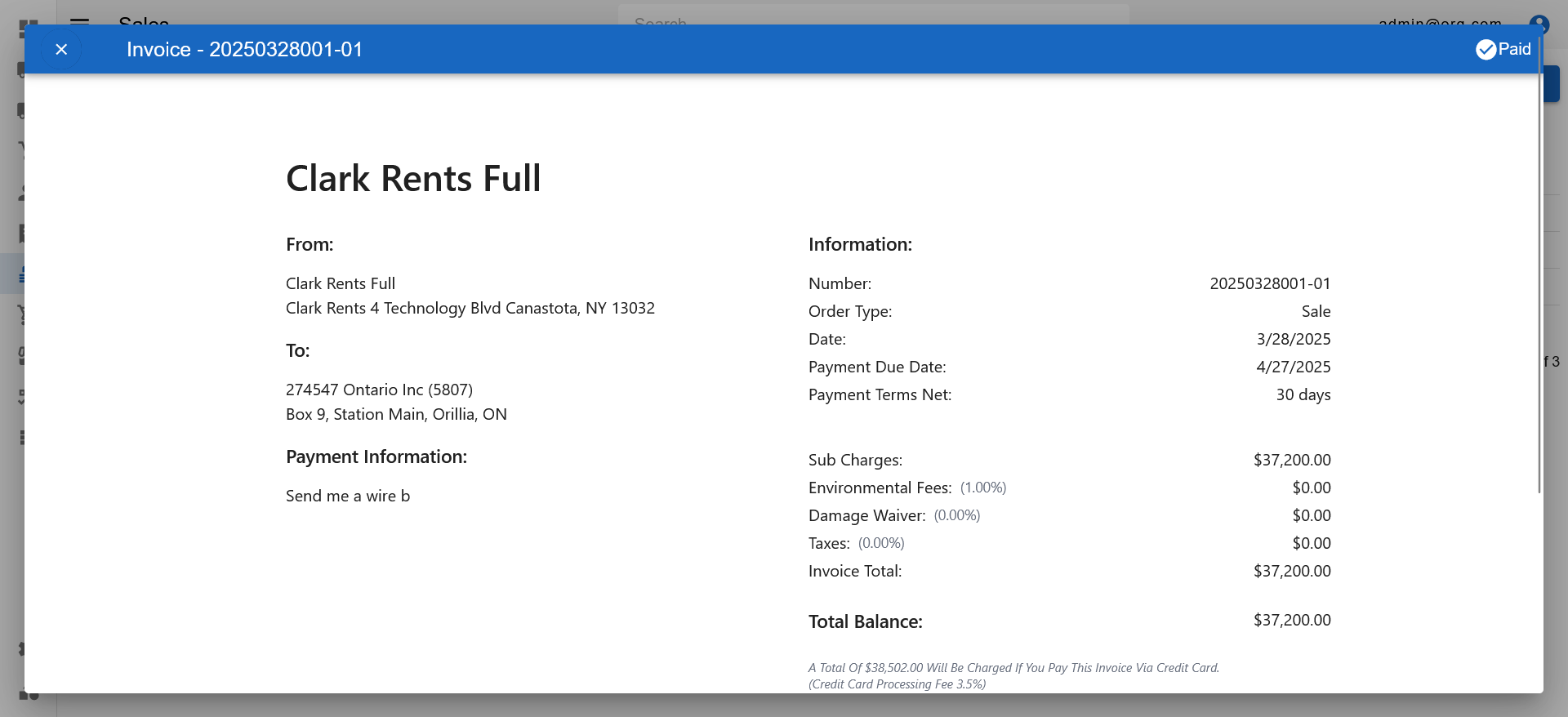
Appearance
Viewing and Searching Invoices
INFO
Note: Invoices can only be viewed by users who have been granted relevant permissions
The Rentals Page features several tabs, of which the last one shows Invoices. The tab header displays a badge with the count of invoices that are currently available of that type.
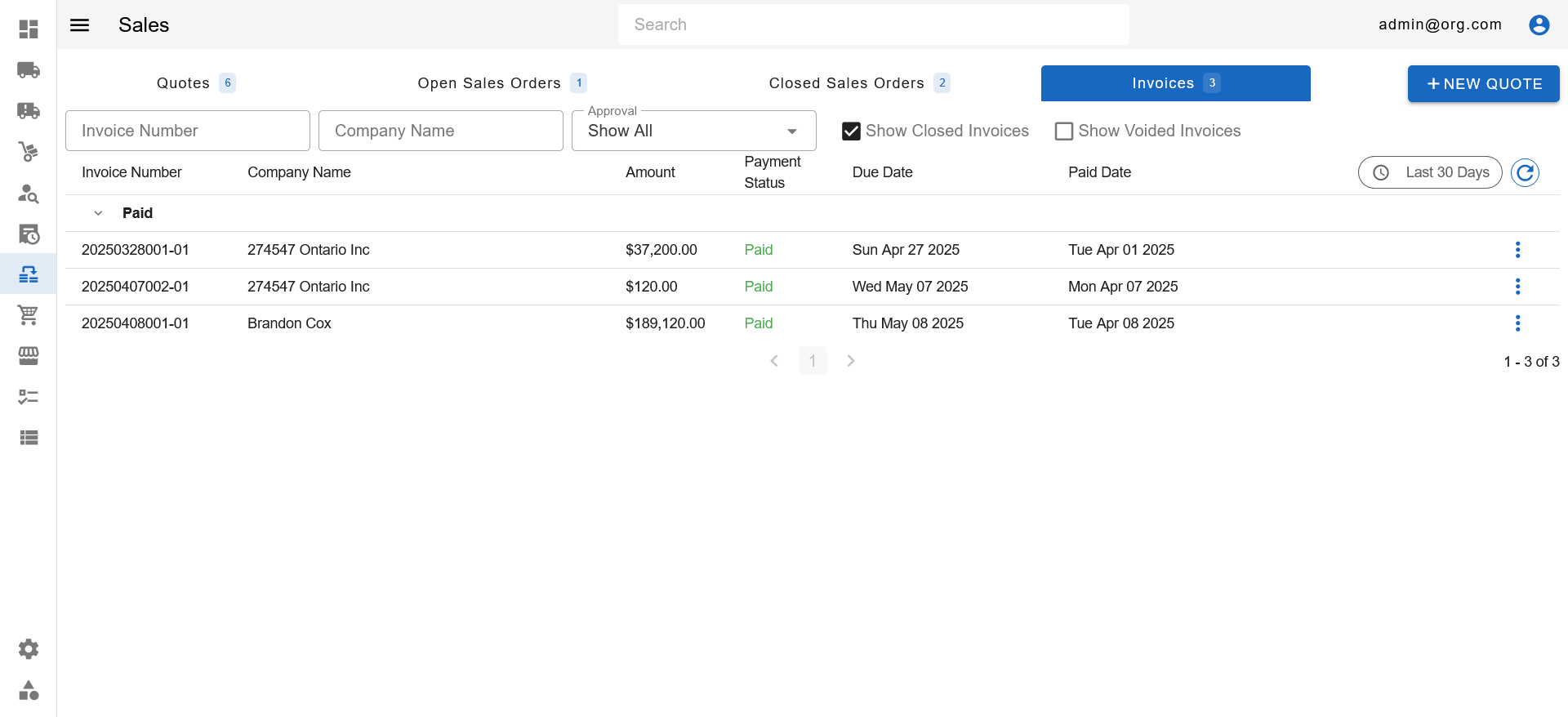
Within the Invoices Tab is a table that displays invoices, grouped by their due status. Atop the table are several filters that allow filtering invoices.
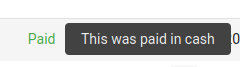
Hovering the payment status will show the notes if any exists.
The table features several columns that display information particular to invoices. The last column's header on the table features a date filter, and a refresh button to update the table.
Clicking a row on the Invoices Table opens up the Invoices View Popup, where user can view and pay the invoice.