Appearance
Assets Maintenance Report
To view Maintenance Report, head to the Reports Page Head via links available on the Left Navigation Bar and click on the Maintenance Report opens a new tab.
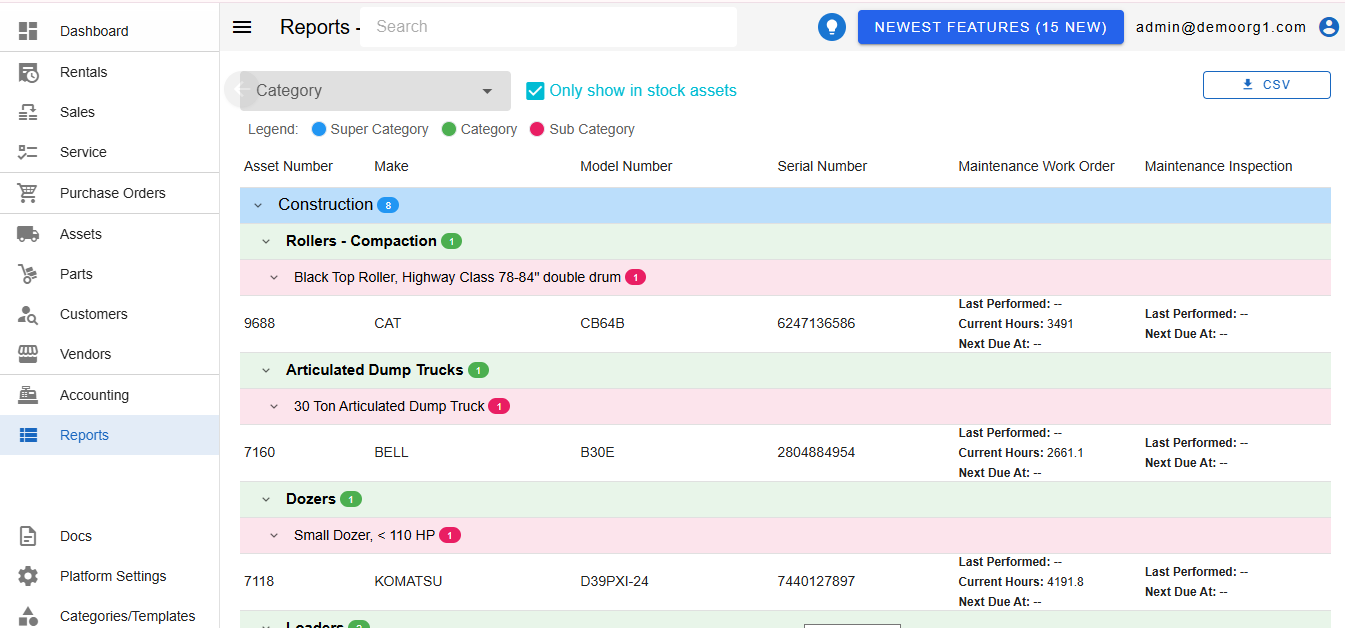
Filters can be set on the Maintenance Report to view filtered results.
To download a certain set of data as offline report, click the green colored CSV download button at the top right corner of the page.
Clicking on the specific row on assets maintenance table opens a popup:
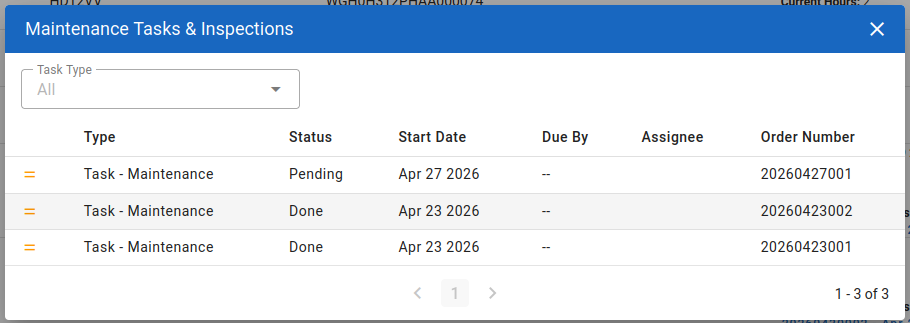
This popup shows the maintenance work orders and inspections history against an asset. Filters can be set in order to view work orders or inspections.