Appearance
Viewing and Filtering Parts
INFO
Note: Parts can only be viewed by organizational users who have been granted relevant permissions
The Parts Page features two tabs, one for In Stock Parts, and the other for Parts that are en route via purchase orders.
The In Stock Parts Page feature several filters atop the Parts Table. Each of these filters can be set to filter parts within the parts table and search for your desired part(s).
The separate Item #, Part #, Name, and Description search fields have been merged into a single Search box that matches across all of those — an item's number, part number, name, description, manufacturer, model, and serial number — with results ordered by relevance. Part rows (here and in the part pickers on orders and work orders) also show the part's part number alongside its name.
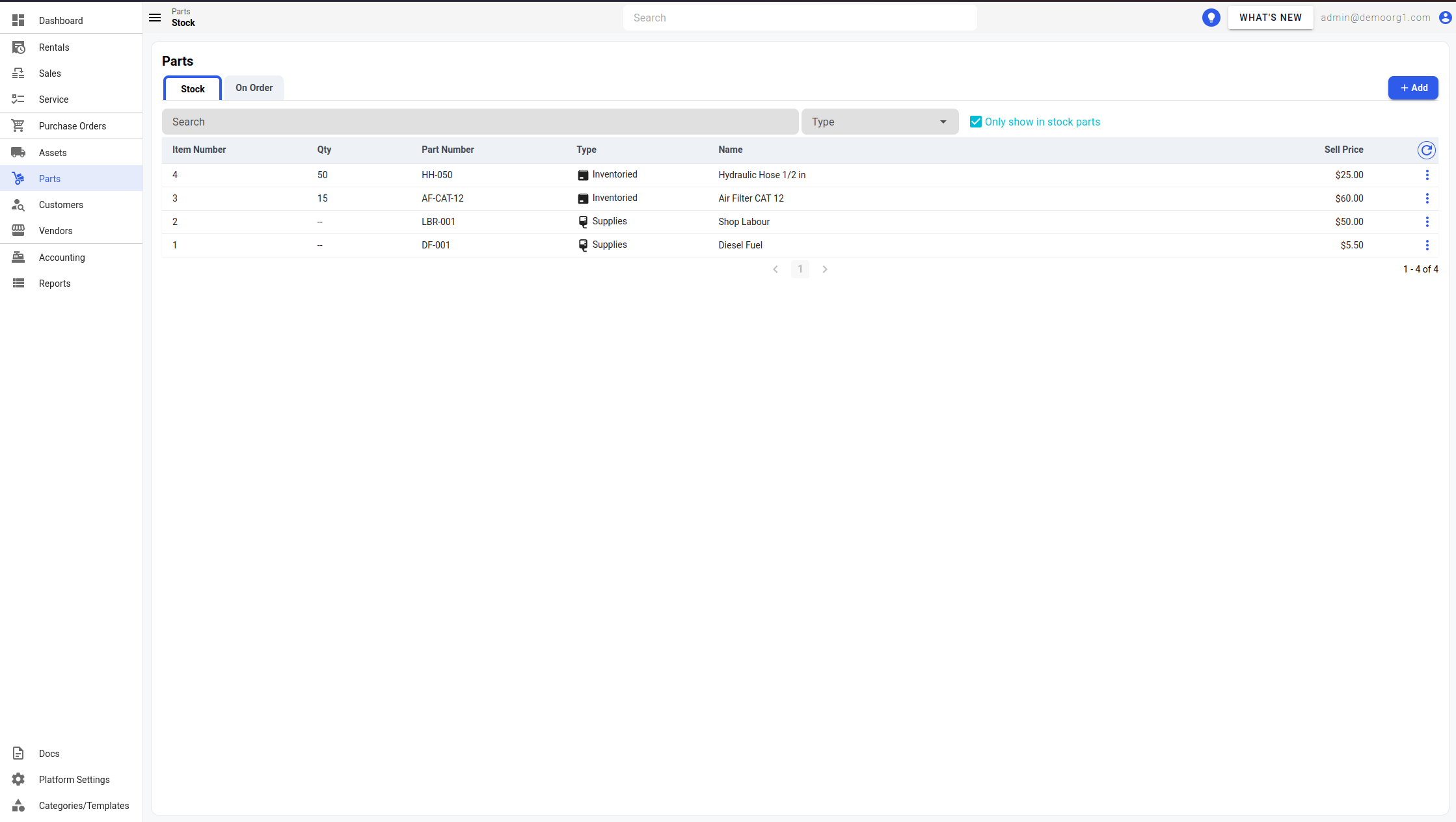
To view detailed information on a part, simply click on a part row to open up the Edit Part Popup.
