Appearance
Sales
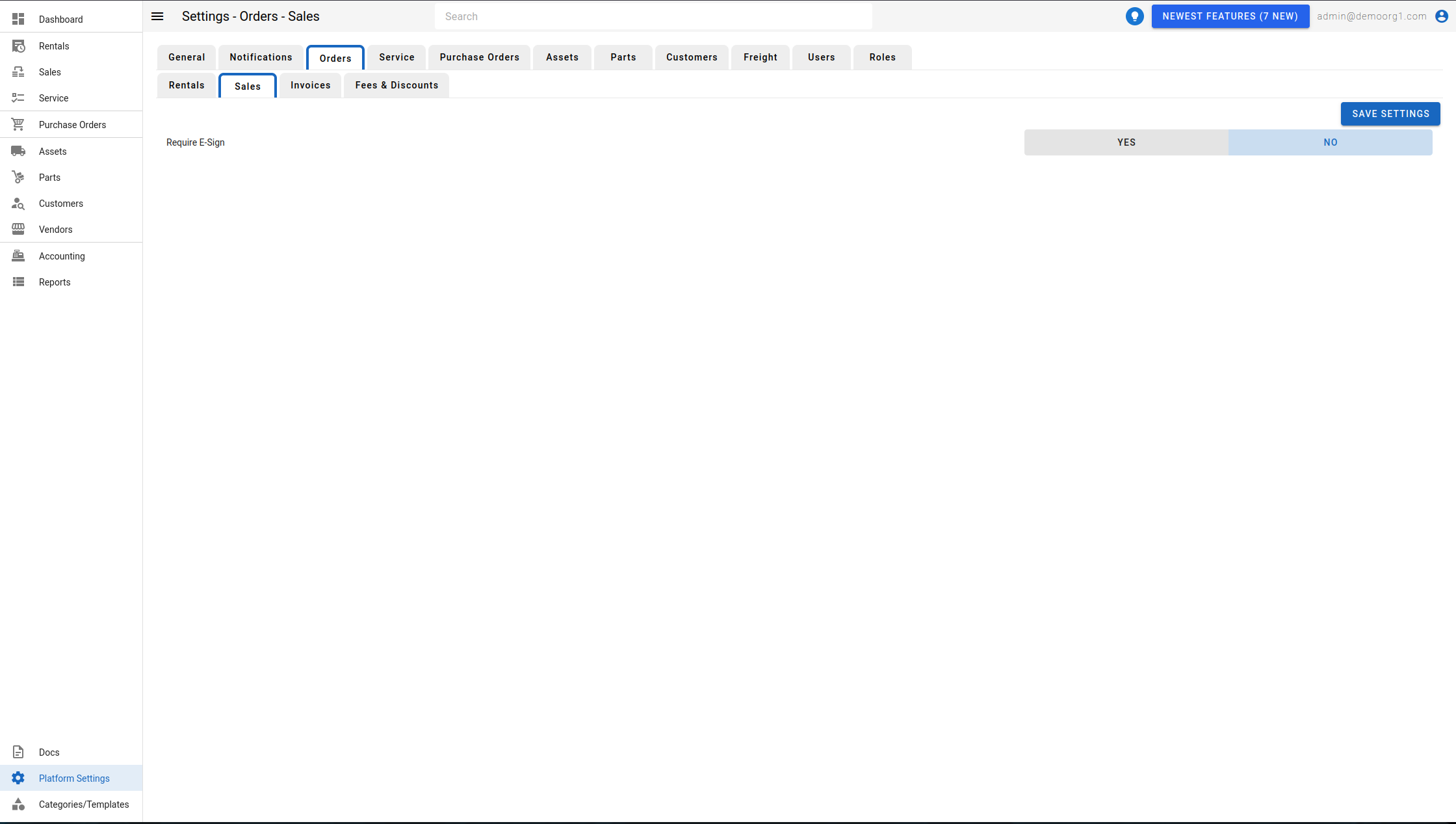
The Sales Tab allows viewing/modifying settings for sales orders.
- Require E-Sign: Enables/disables the requirement for e-sign on sales quotes.
INFO
The Require E-Sign setting only appears when e-sign is enabled for your organization. If e-sign is not enabled, the tab shows "E-Signatures are not enabled for this organization."
To modify information, simply edit the field and click on the Save Settings button to sync settings with the server.
For how to send an e-sign invite on a sales quote, see Sales → Additional Functions → Send E-Sign Invite.