Appearance
Purchase Orders
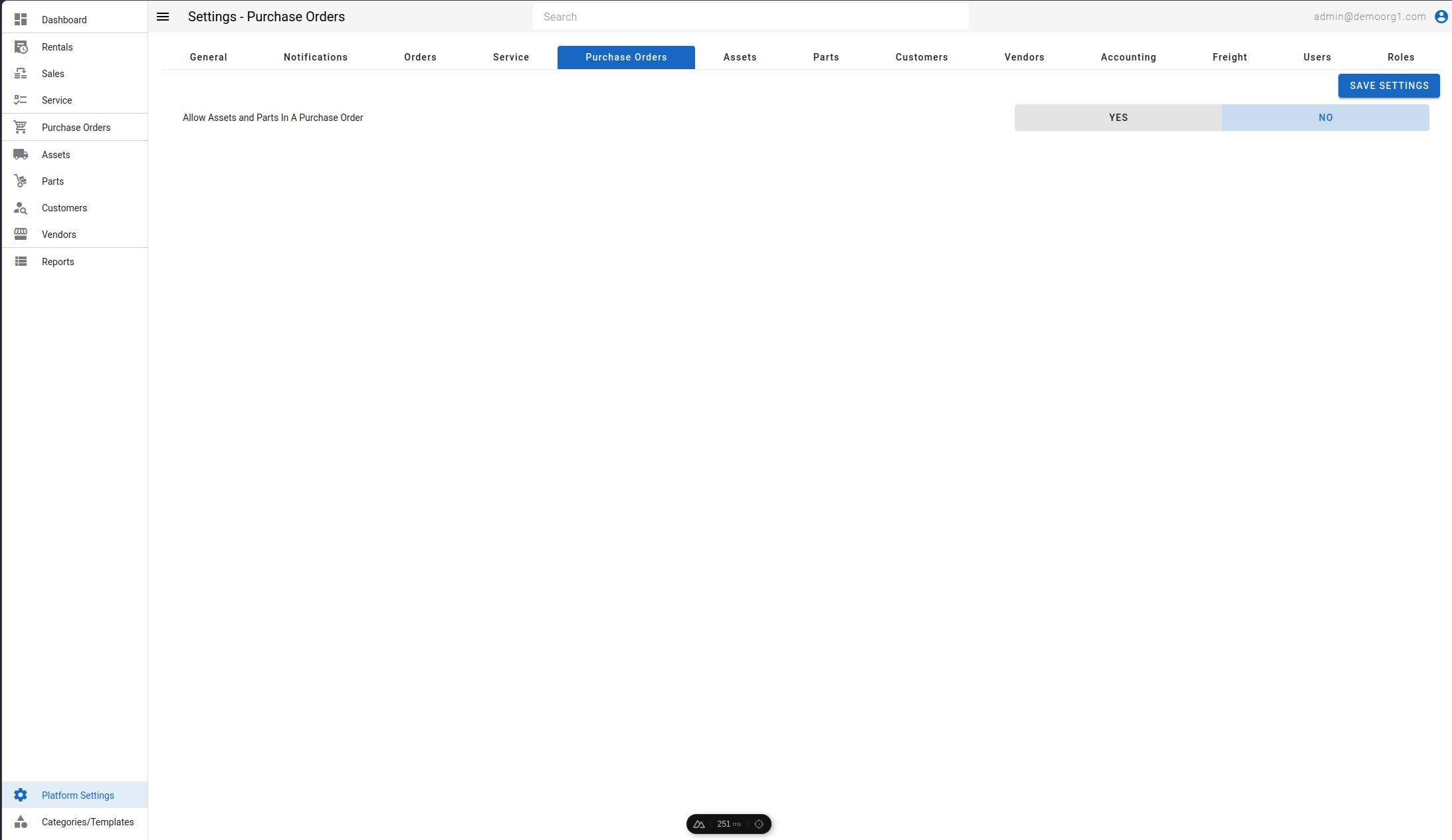
The Purchase Orders Tab allows viewing/modifying the following settings:
- Allow Assets and Parts In A Purchase Order: Determines whether both assets and parts can be added to the same purchase order.
- Allow Purchaser to Release their own POs: Yes / No (default Yes). When set to No, the user who created a purchase order cannot release (approve) it — a different user must, enforcing separation of duties. Purchase orders created by the work-order parts-allocation flow are exempt, since they must be released on creation for their parts to be allocatable.
- Allow Purchaser to Receive their own POs: Yes / No (default Yes). When set to No, the user who created a purchase order cannot receive against it. Editing the purchase order is unaffected — only a line whose received quantity actually increases is blocked.
INFO
Changes to the two "Allow Purchaser to…" settings are recorded in the financial audit log, as they govern who may authorize and who may take delivery of spend.
To modify information, simply edit the field and click on the Save Settings button to sync settings with the server.
Purchase Order Permissions
Beyond the state-specific edit permissions (PURCHASE_ORDERS_UPDATE plus the per-state …_UPDATE_RELEASED / …_UPDATE_PARTIALLY_RECEIVED / …_UPDATE_RECEIVED / …_UPDATE_CLOSED), the following permissions gate purchase-order actions. Each can be granted per role from Platform Settings → Roles:
| Permission | What it allows |
|---|---|
| Release (Approve) Purchase Orders | Release a purchase order (move it from new to released), and create a purchase order that is already released. Releasing is the approval step that commits the order to the vendor. |
| Receive Purchase Order Items | Receive items against a purchase order. |
| Reconcile Purchase Orders | Record and update vendor-invoice reconciliation on a purchase order. Without it, a user can still read the Invoices tab but cannot record or edit invoices. |
| Approve Vendor Invoice Variances | Accept a recorded vendor invoice's price variances (where the vendor billed above the purchase order's unit price). This permission covers prices only. The purchase order's own purchaser can also approve price variances without it. Without it, such an invoice can be saved as a draft but its price variances stay pending approval and the purchase order cannot be closed. |
| Approve Vendor Invoice Quantity Variances | Accept a recorded vendor invoice's quantity variances (where the vendor billed more units than can ever be delivered — past the ordered quantity, or on a line closed for receiving). Quantity variances are approved separately from price variances, and the purchase order's purchaser cannot approve them without this permission. Without it, such an invoice can be saved as a draft but its quantity variances stay pending approval and the purchase order cannot be closed. |
| Close Purchase Orders | Transition a purchase order to the closed state. |
| Close Purchase Orders With Discrepancies | Close a purchase order even when the invoiced amounts do not match the purchase-order amounts (an accepted variance remains). |
INFO
The Allow Purchaser to Release / Receive their own POs settings above work alongside these permissions: even a user who holds the Release or Receive permission is blocked from doing so on a purchase order they created when the matching setting is set to No.