Appearance
Equipment Sold
The Equipment Sold report lists the assets your organization has sold over a period — with sale price, book value, cost, and gross profit for each — so you can review sales performance and margins. (This is the report of paid/sold equipment.)
INFO
Note: This report can only be viewed by organizational users who have been granted the relevant report permissions (report access plus the Sales reports permission). The report opens in a new browser tab.
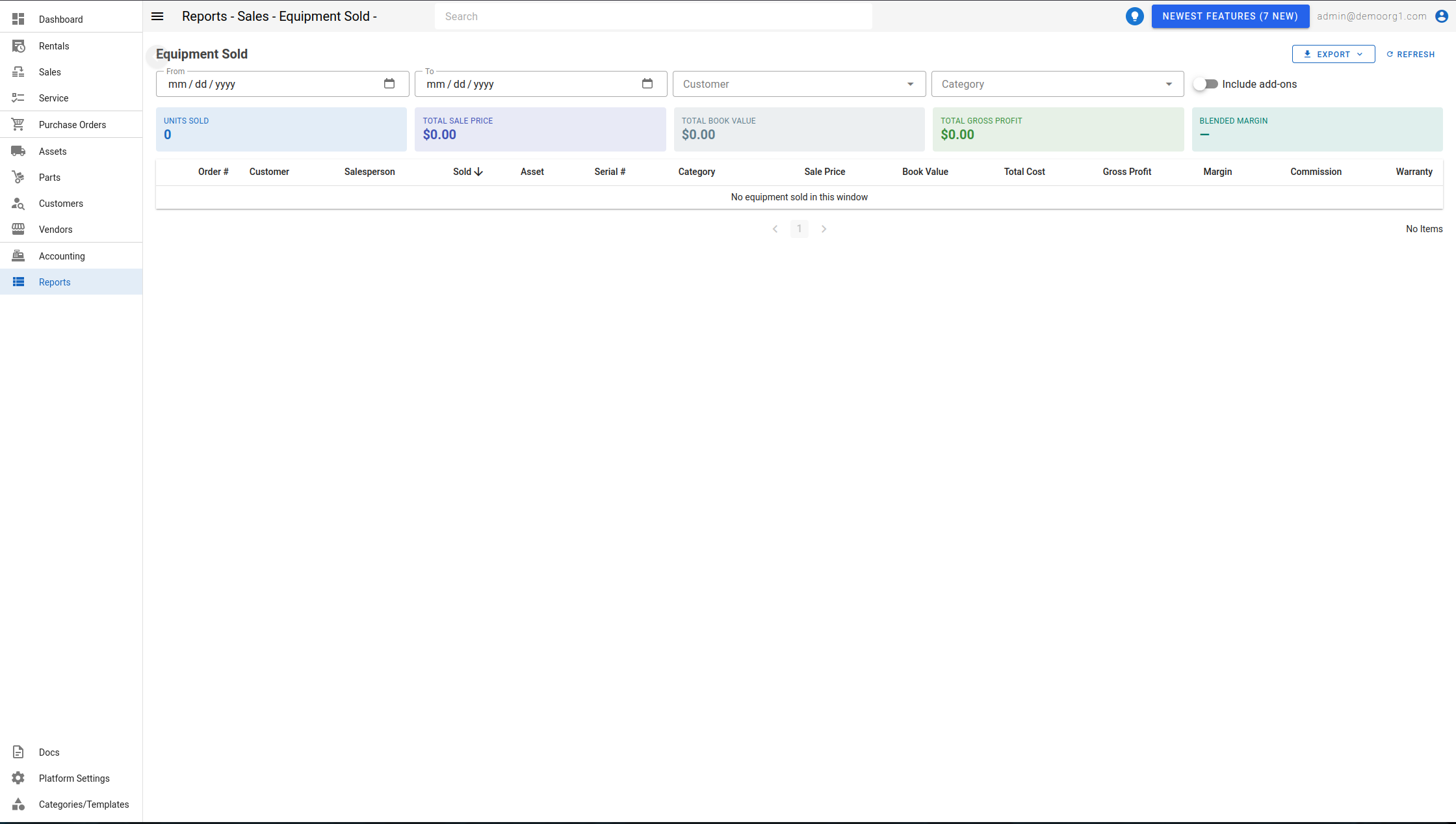
Open it from the Reports page (under the Sales reports). Use the Refresh button to reload, the download menu to export in the supported formats, and the page controls to move through results.
Filters
- From / To — the date window (defaults to month-to-date).
- Customer — limit to a single customer.
- Category — limit to a category (chosen from the category tree).
- Include add-ons — include attachment/add-on assets sold alongside their parent.
Summary cards
Five cards summarize the window: Units Sold, Total Sale Price, Total Book Value, Total Gross Profit, and Blended Margin.
The table
| Column | Description |
|---|---|
| Order # | The sales order number (links to open the order in a new tab). |
| Customer | The buying customer. |
| Salesperson | The assigned sales person. |
| Sold | The sale date. |
| Asset | The asset (name, asset number, manufacturer, model). |
| Serial # | The asset's serial number. |
| Category | The asset's category. |
| Sale Price | The price the asset sold for. |
| Book Value | The asset's book value at sale. |
| Total Cost | The asset's total cost. |
| Gross Profit | Sale price less cost (green when positive, red when negative). |
| Margin | Gross profit as a percent of sale price. |
| Commission | The sales commission on the sale. |
| Warranty | Any warranty sold with the asset. |
Columns are sortable. When no equipment was sold in the window, the report shows "No equipment sold in this window".
INFO
Units sold before cost snapshots existed show blank cost and profit, and are excluded from the totals and the blended margin. A banner notes when this applies to the current results.