Appearance
Average Days To Pay
The Average Days To Pay report shows how long customers take to pay their invoices, over a chosen window, with a trend against the previous window.
INFO
Note: Reports can only be viewed by organizational users who have been granted relevant report permissions.
To open the report, from the Left Navigation Bar, open Accounting and select the Reports tab, then click Average Days To Pay. Use CSV to export, or Refresh to reload.
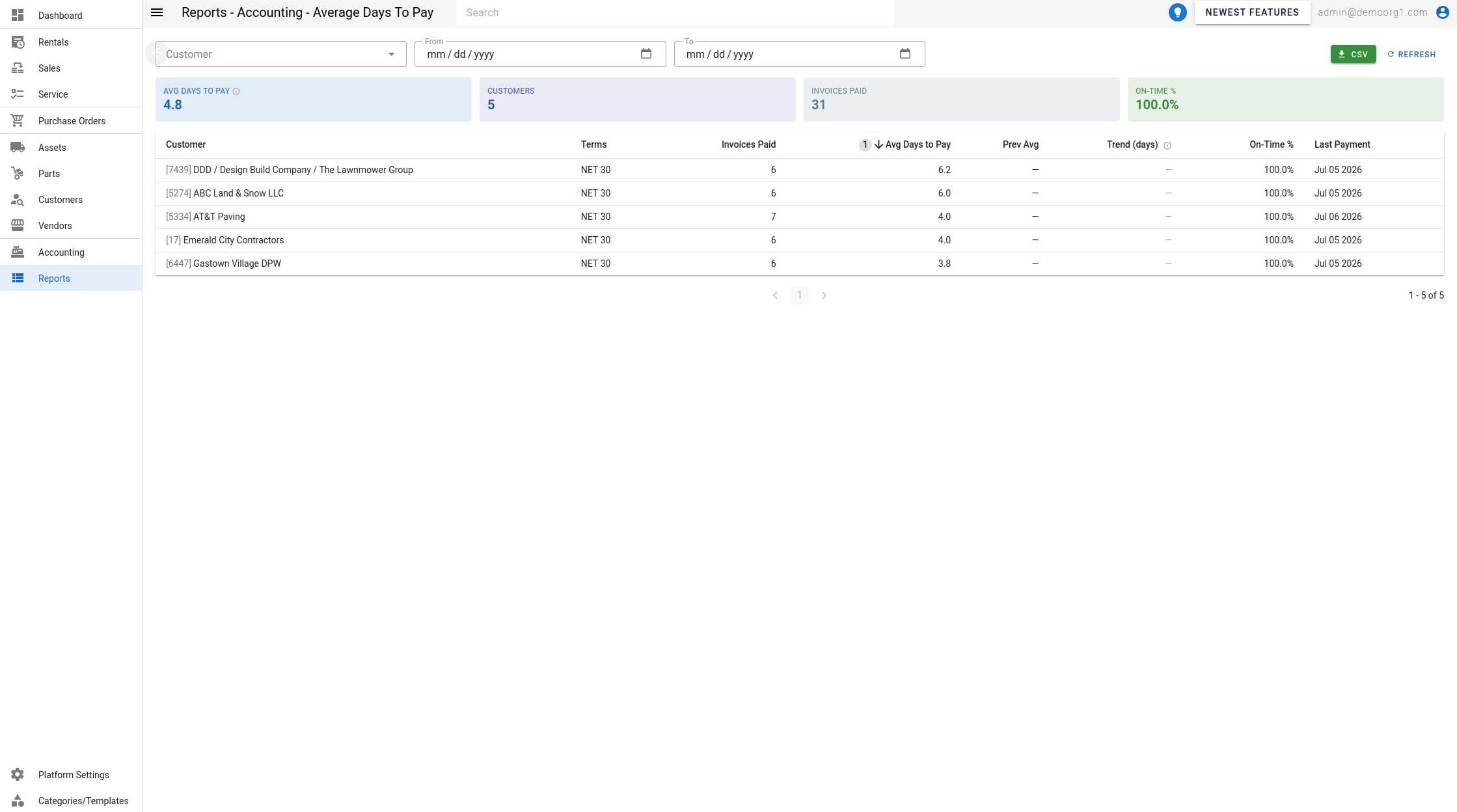
Filters
- Customer — limit the report to a single customer.
- From / To — the date window for fully-paid invoices.
Summary cards
- Avg Days to Pay — pooled across every fully-paid invoice in the window (not an average of per-customer averages), with a trend versus the prior window.
- Customers — number of paying customers.
- Invoices Paid — number of invoices paid in the window.
- On-Time % — share paid within terms.
The table
| Column | Description |
|---|---|
| Customer | The customer. |
| Terms | The customer's payment terms. |
| Invoices Paid | Invoices paid in the window. |
| Avg Days to Pay | Average days to pay (default sort, highest first). |
| Prev Avg | Average for the immediately preceding window of equal length. |
| Trend (days) | Change vs the previous window — negative (green, down arrow) means paying faster/improving; positive (red, up arrow) means slower. |
| On-Time % | Share paid within terms. |
| Last Payment | Date of the customer's most recent payment. |
When there are no fully-paid invoices in the window, the report shows "No fully-paid invoices in this window".