Appearance
Accessing Independent Inspections
Independent inspections appear on the main work list. They are identified by the indigo "Inspection - Independent" badge.
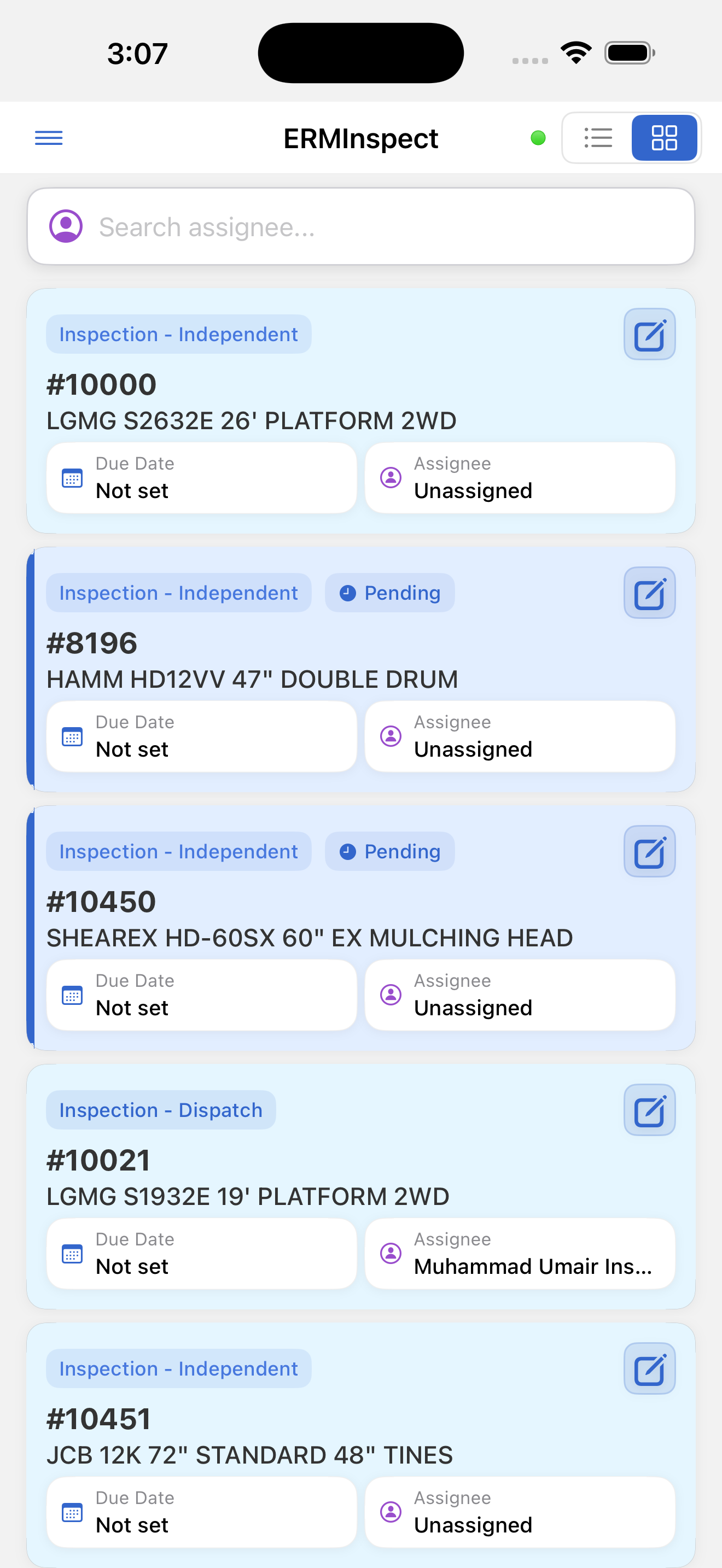
To view independent inspections only:
- Open the side drawer (☰)
- Tap Inspections
- The list shows only inspection items (Dispatch, Off-Rent, and Independent)
Because independent inspections are not tied to an order, they typically appear as individual rows without a group header.
Opening an independent inspection: Tap the card to open the detail screen.