Appearance
Completing an Independent Inspection
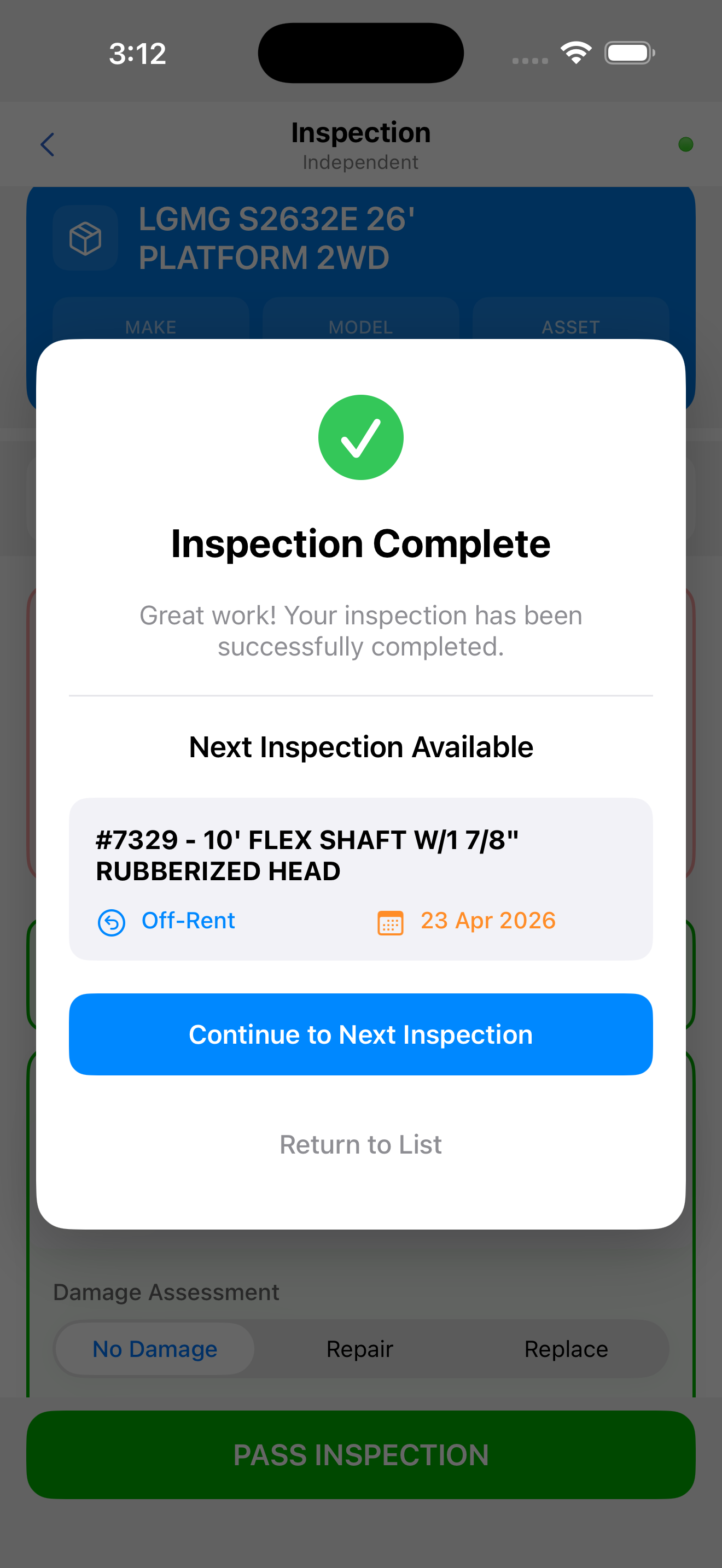
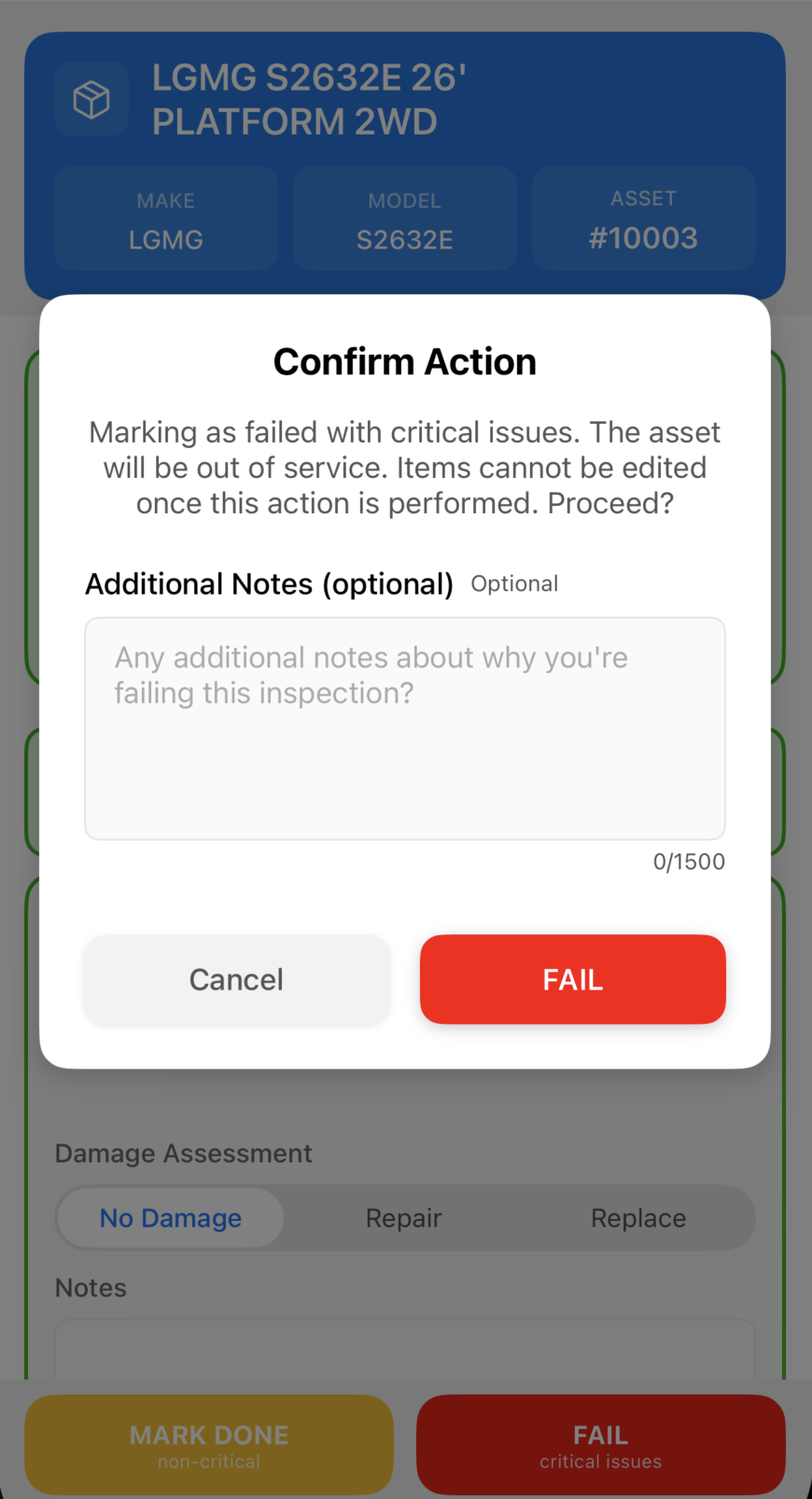
The completion process follows the same pattern as other inspection types:
- Open the inspection from the work list
- Work through each item, tap to open, enter data, tap Save
- Record a fault if a defect is found
- Required items must be completed before the inspection can advance
- Partial completion is supported, return later to continue
Offline: Independent inspections can be completed fully offline. Results sync to CloudERM when connectivity is restored.