Appearance
Side Drawer Menu
Tap ☰ in the top-left of the header to open the side drawer. Tap the overlay area to close it.
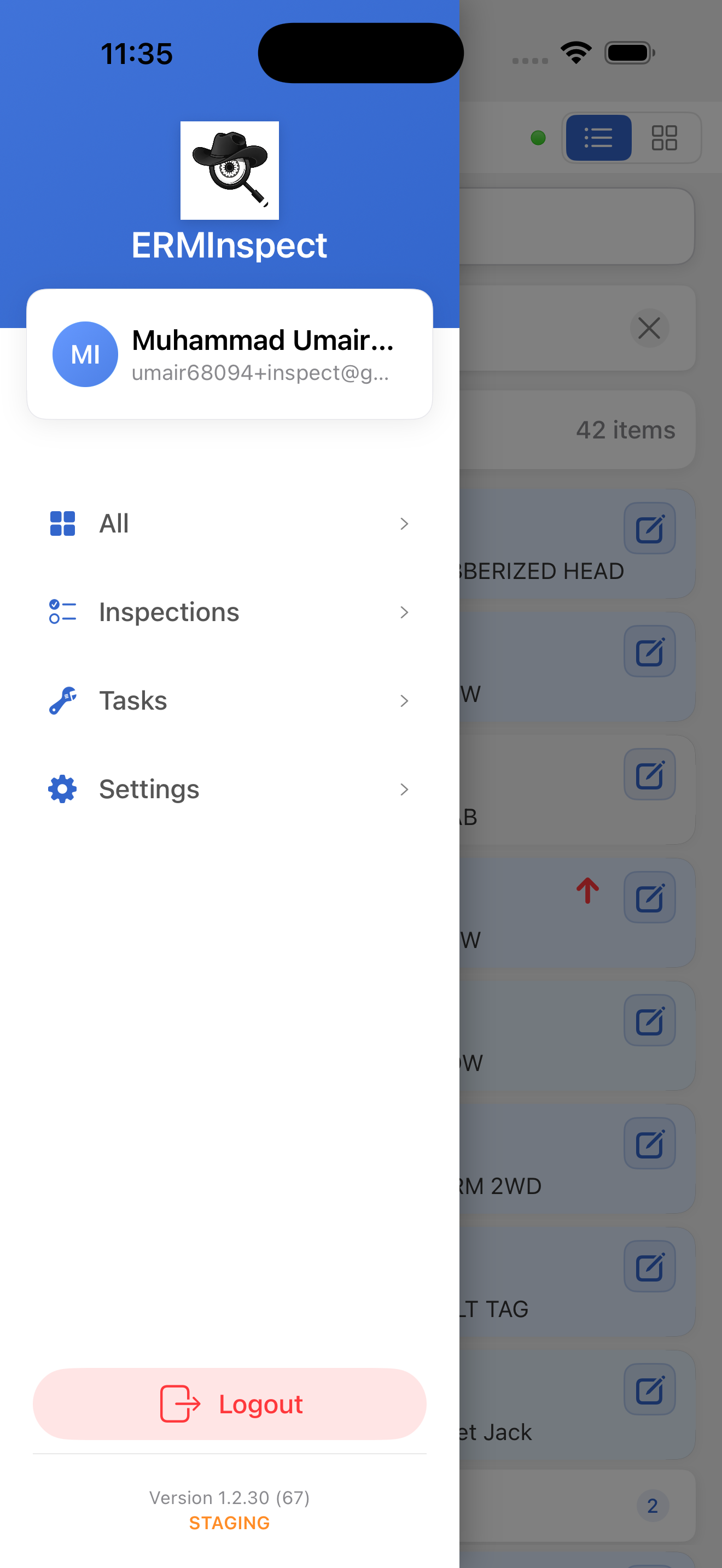
User Profile Card
At the top of the drawer, your profile card displays:
- Your initials in an avatar circle
- Your full name
- Your email address
Navigation Items
| Item | Description |
|---|---|
| All | Shows all assigned inspections and tasks |
| Inspections | Filters the list to inspection items only (all types) |
| Tasks | Filters the list to task items only |
| Settings | Opens the Settings screen |
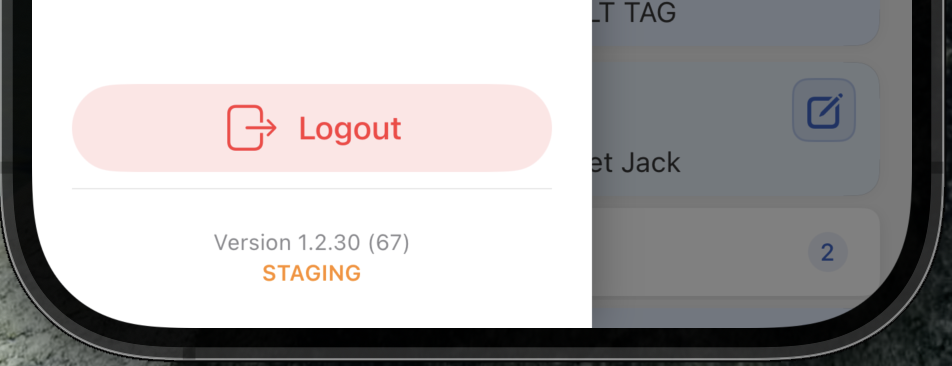
Drawer Footer
The footer displays:
- App version number
- Environment label - green for Production, orange for Staging, red for NonProd
- Logout button