Appearance
Off-Rent Inspection Components
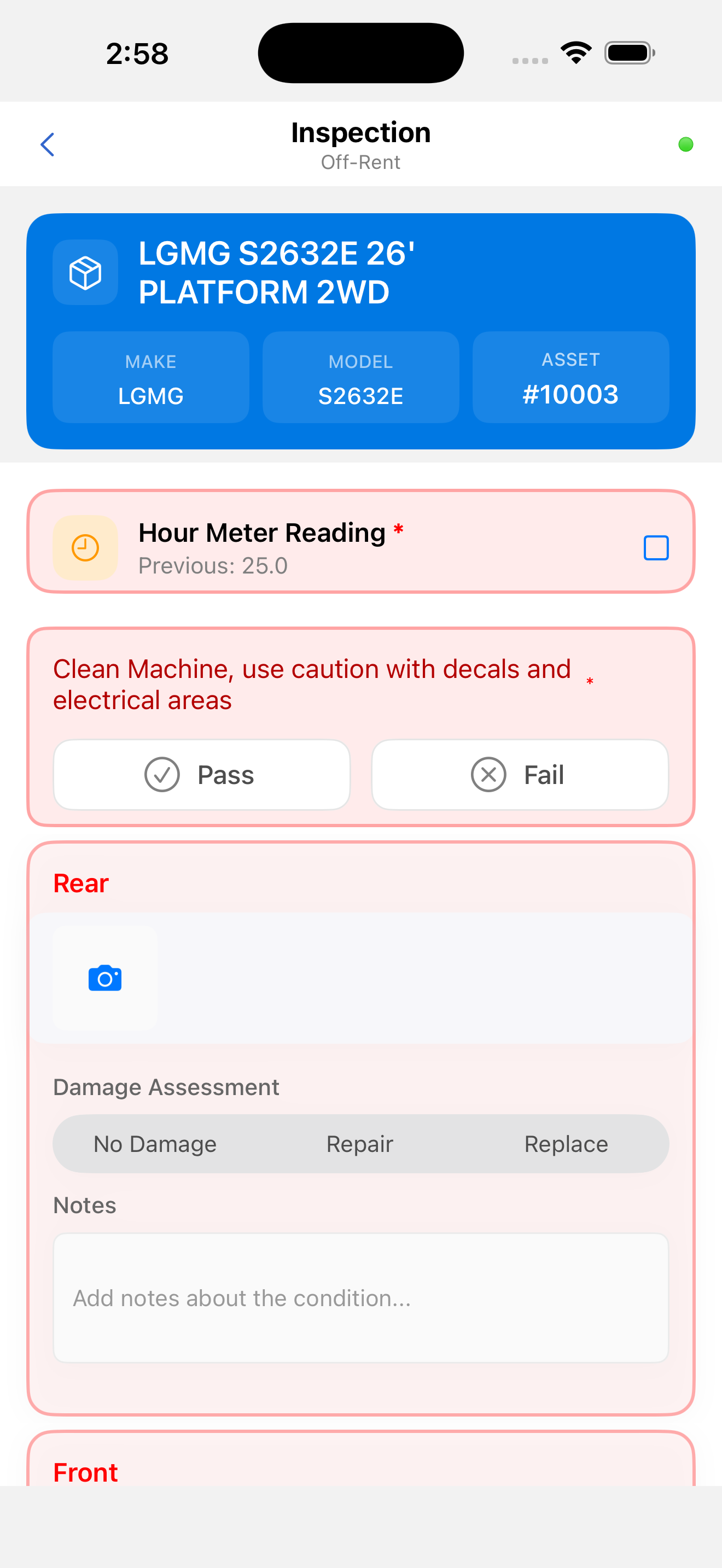
Header
| Element | Description |
|---|---|
| Back arrow (←) | Returns to the work list |
| "Inspection" title | Fixed screen label |
| "Off-Rent" subtitle | Identifies this as an off-rent inspection |
| Sync status dot | Real-time connectivity indicator |

Inspection Items List
Items are rendered in the exact order received from the backend. The same input types are available as in dispatch inspections: Multiple Choice, Yes/No, Numeric, Text, Photo, and Signature.
Fault Recording
| Severity | Color | Meaning |
|---|---|---|
| Minor Fault | Orange | Damage noted, asset remains in service |
| Major Fault | Red | Significant damage, asset must be taken out of service |
Major Faults recorded during an off-rent inspection commonly result in repair tasks being created in CloudERM.
Photo Evidence
Photo documentation is critical for off-rent inspections. Use the built-in camera to capture images of damage or condition. Annotate photos using the markup tools before attaching them. See Custom Camera and Image Annotation.