Appearance
Settings
Open Settings via the side drawer, tap the Settings item at the bottom of the navigation list.
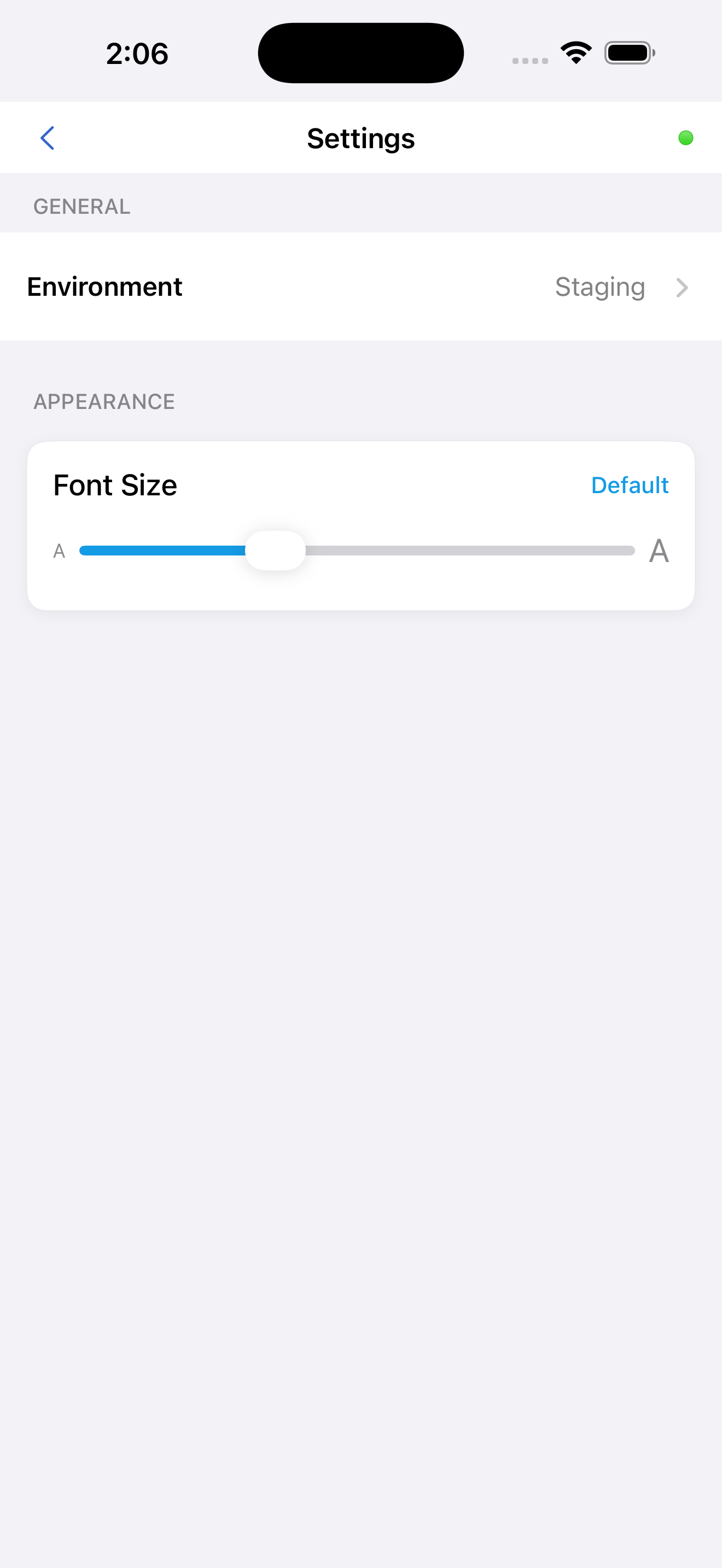
Font Size
Drag the slider to adjust the text size used throughout the entire application.
| Setting | Description |
|---|---|
| Small | Smallest text size |
| Default | Standard text size |
| Large | Increased text size |
| Extra Large | Maximum text size |
Haptic feedback is triggered at each threshold. The change applies instantly and persists between sessions.
Environment
| Option | Color Indicator | Use |
|---|---|---|
| Production | Green | Live system — all daily field work |
| Staging | Orange | Test and training environment |
| NonProd | Red | Developer and IT use only |
Changing the environment logs you out automatically. You must log in again on the new environment. Always use Production for day-to-day work.