Appearance
NADC Checklist Components
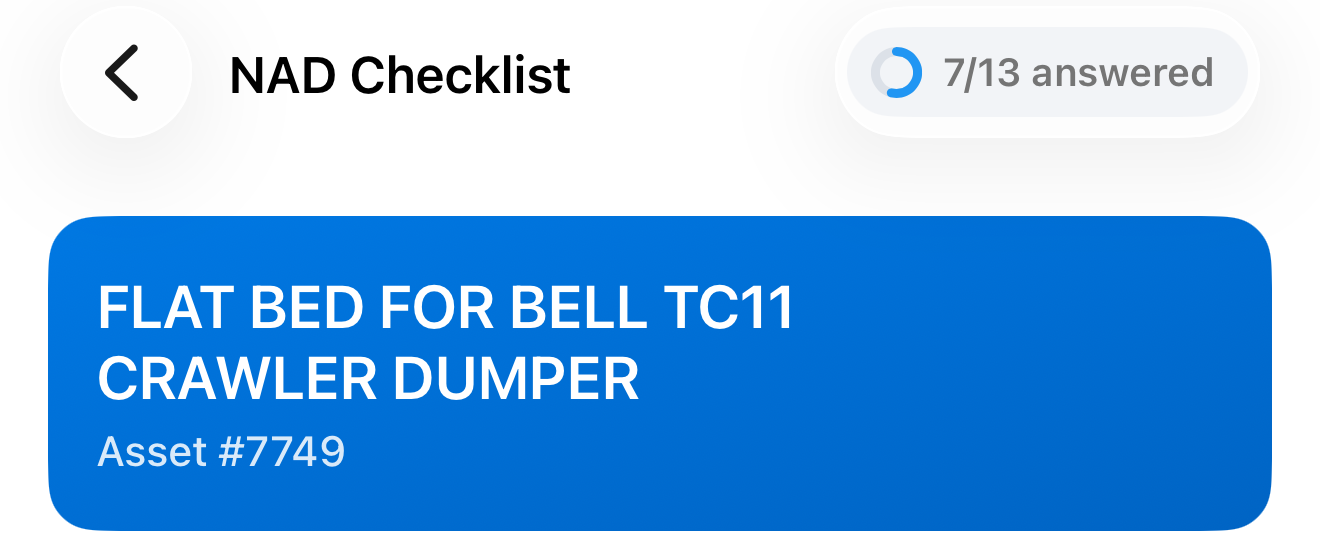
Header
| Element | Description |
|---|---|
| Back arrow (←) | Returns to the work list |
| "NAD Checklist" title | Fixed screen label |
| Progress | Shows "X/Y answered", counting required questions. Turns green when all are answered |
Below the header, a blue card shows the asset name and Asset # number.
Sections
The checklist is divided into sections. A section is shown only when it has questions.
| Section | Description |
|---|---|
| Asset Information | Asset details to verify against the machine |
| General | General checklist questions |
| Asset Details | Questions about the asset's details |
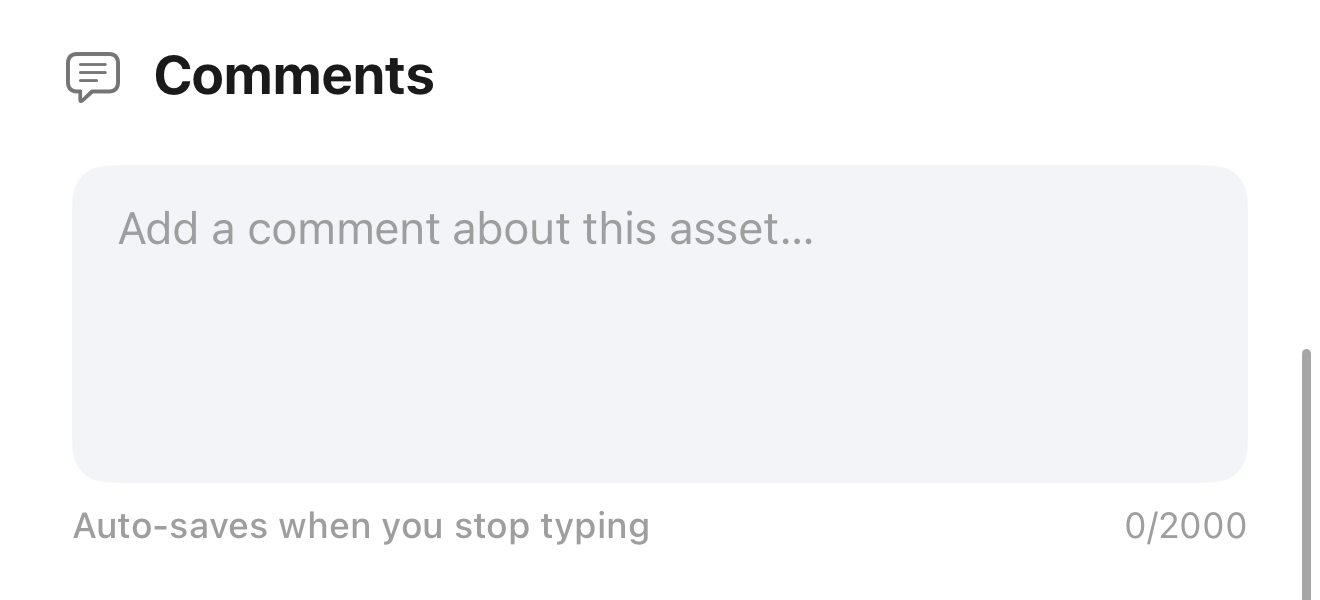
| Comments | A free-text comment about the asset |
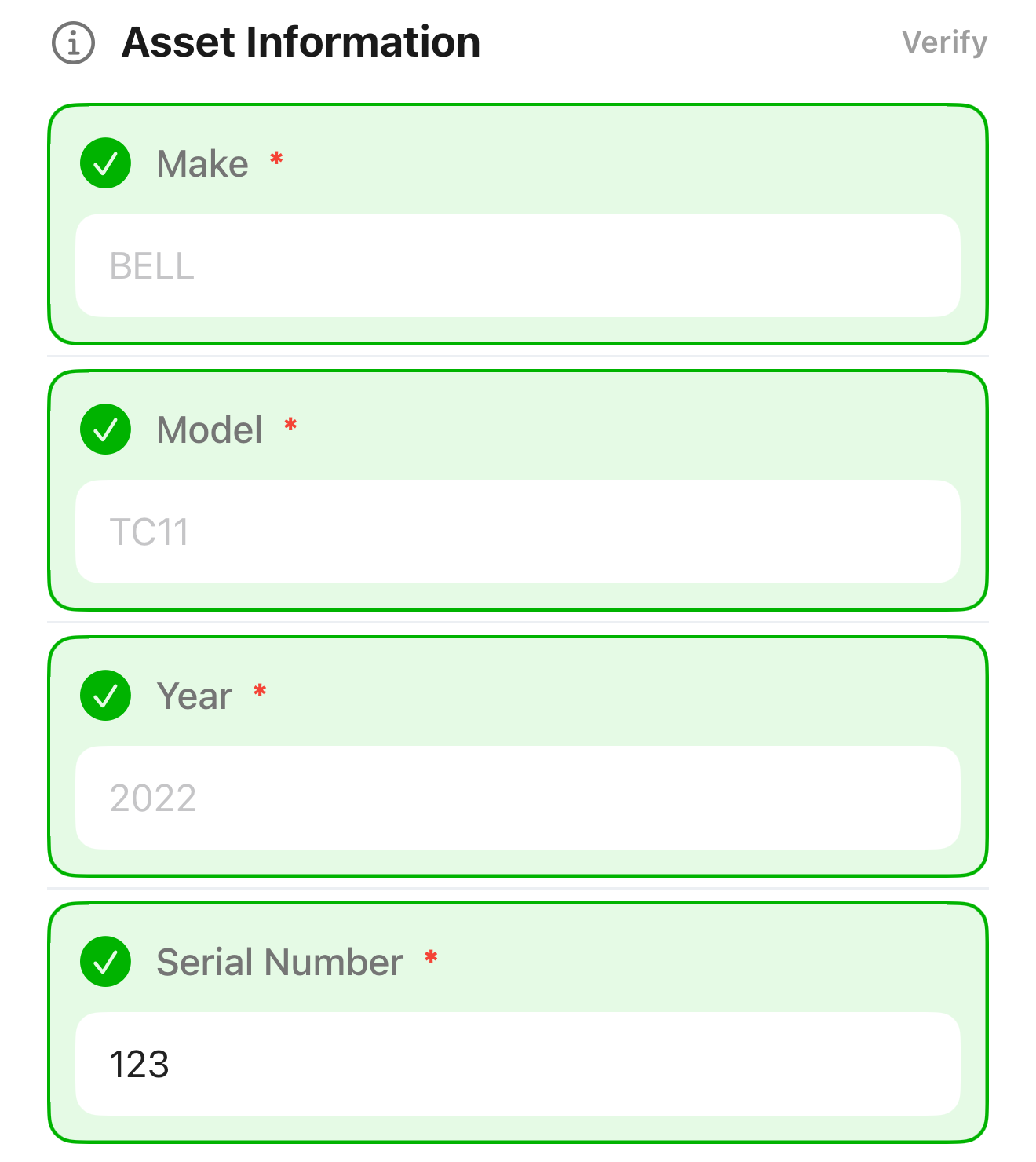
Asset Information
Each item shows a detail stored for the asset, such as Make, Model, Year, or Serial Number.
| Element | Description |
|---|---|
| Tick button | Tap to confirm you have checked the value against the asset |
| Text field | Shows the stored value as a hint. Enter the correct value if it is different |
When the checklist includes an Hour Meter Reading, it works the same way, but you must tick it and enter a reading.
Question Types
| Type | How to Answer |
|---|---|
| Text | Type your answer in the field |
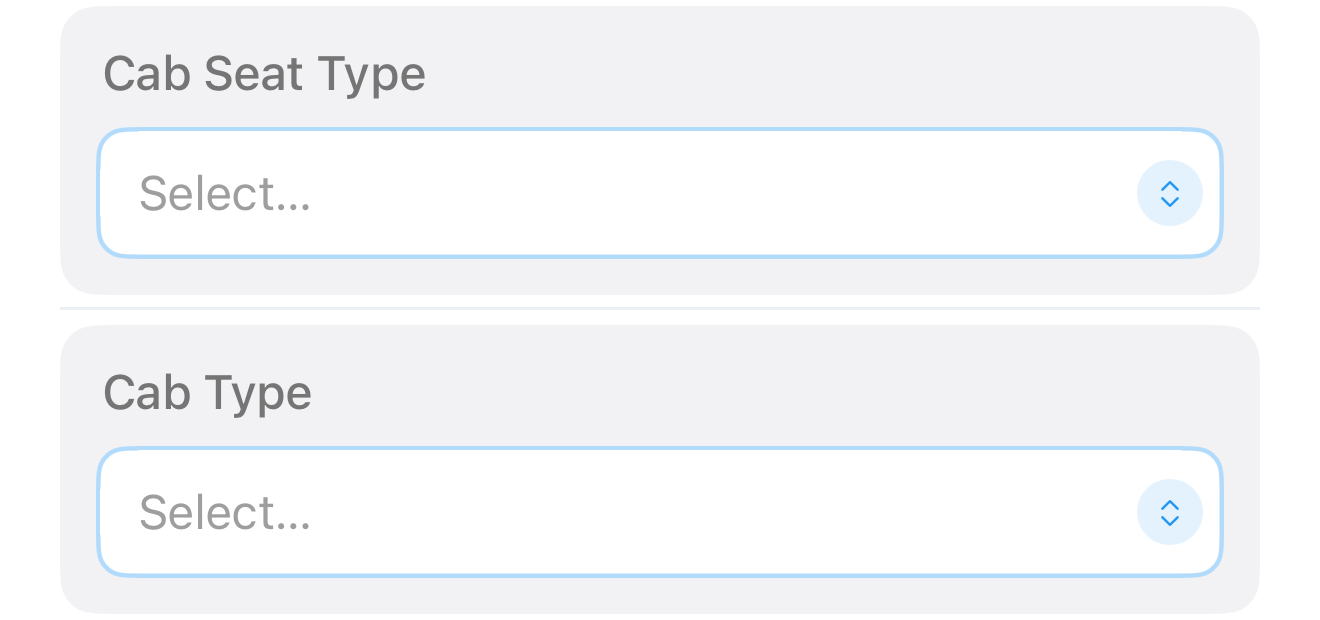
| Dropdown | Tap Select…, choose an option, and tap Done |
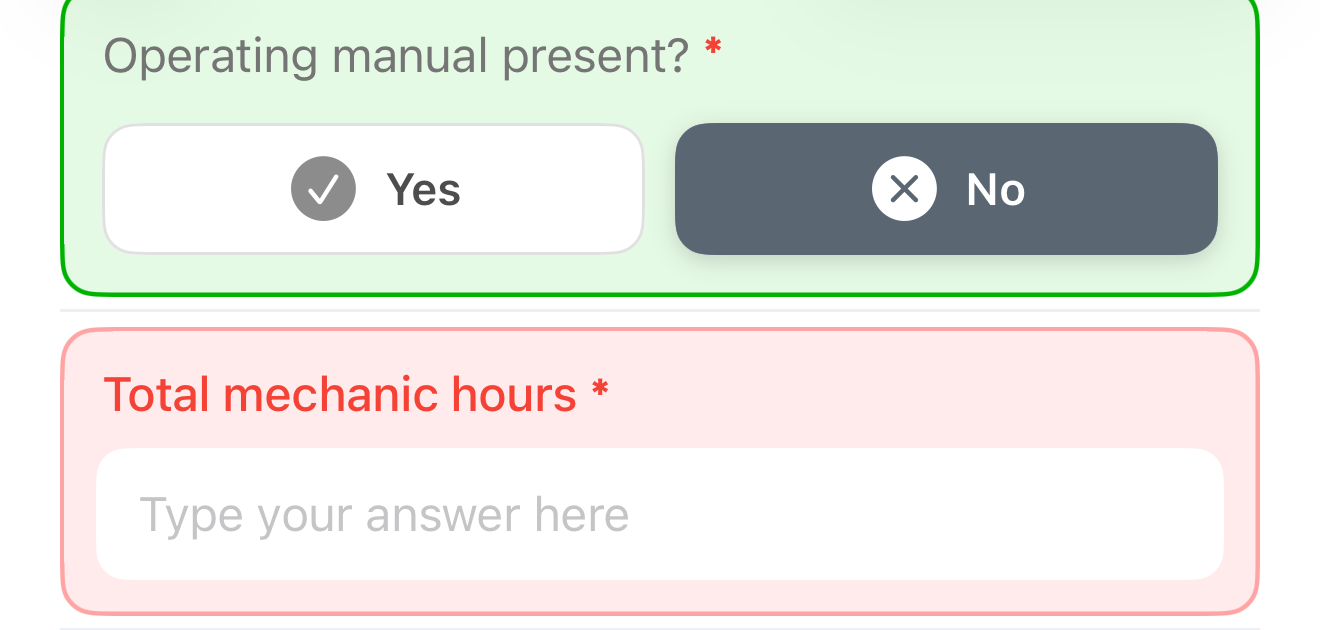
| Yes / No | Tap Yes or No. Tap the selected button again to clear the answer |
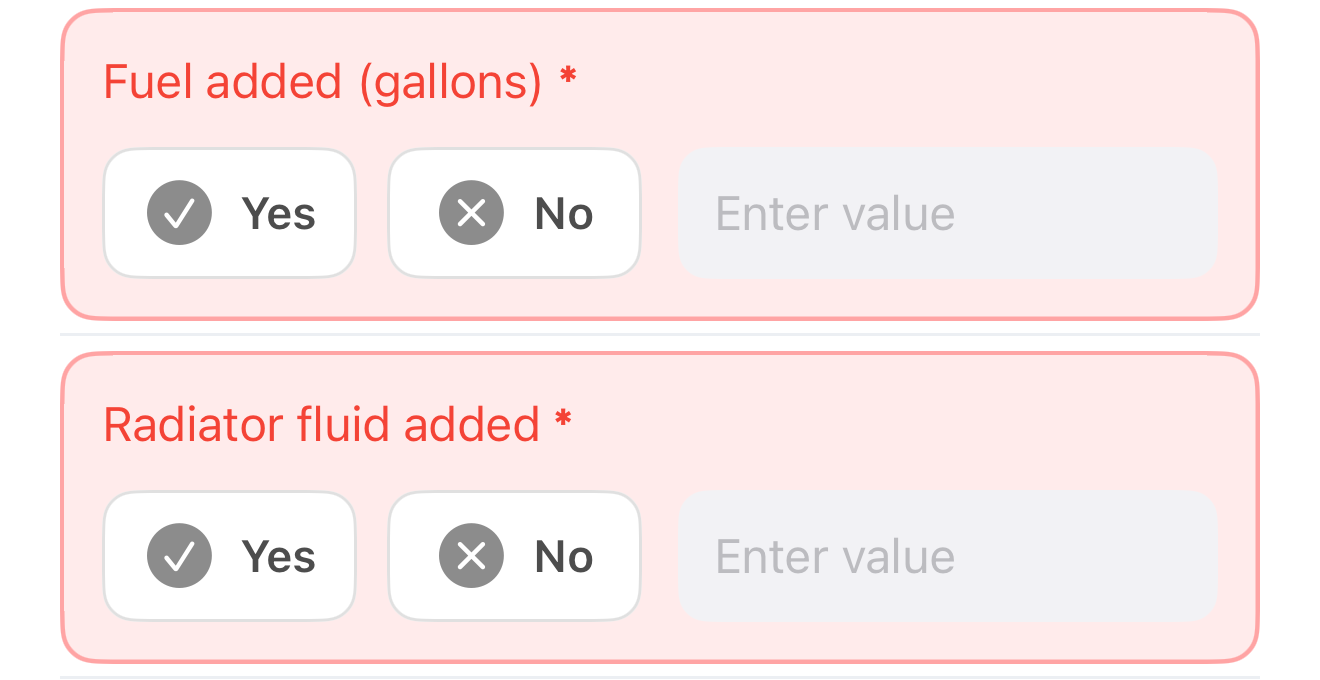
| Yes / No with value | Tap Yes and enter a number, or tap No |
A selected answer is shown as a filled button. An unanswered required question is shown in red.
For a Yes / No with value question, the number field is available only after you tap Yes. A Yes answer is complete only when a number is entered.
A dropdown question shows Select… until you choose an option.
| Element | Description |
|---|---|
| Required indicator | A red * marks a required question |
| Red card | Required and not yet answered |
| Green card | Answered |
| Gray card | Optional and not yet answered |
Comments
Type a comment about the asset, up to 2,000 characters. The comment saves automatically when you stop typing and the status line shows "Saved".
Footer
| Message | Meaning |
|---|---|
| N questions remaining | Required questions are still unanswered. Submit is disabled |
| Not confirmed against the asset yet | Lists the Asset Information items that are still not confirmed |
| All required questions answered | The checklist is ready. Submit is enabled |
| This checklist is read only while it's under review | The checklist cannot be changed in its current status |