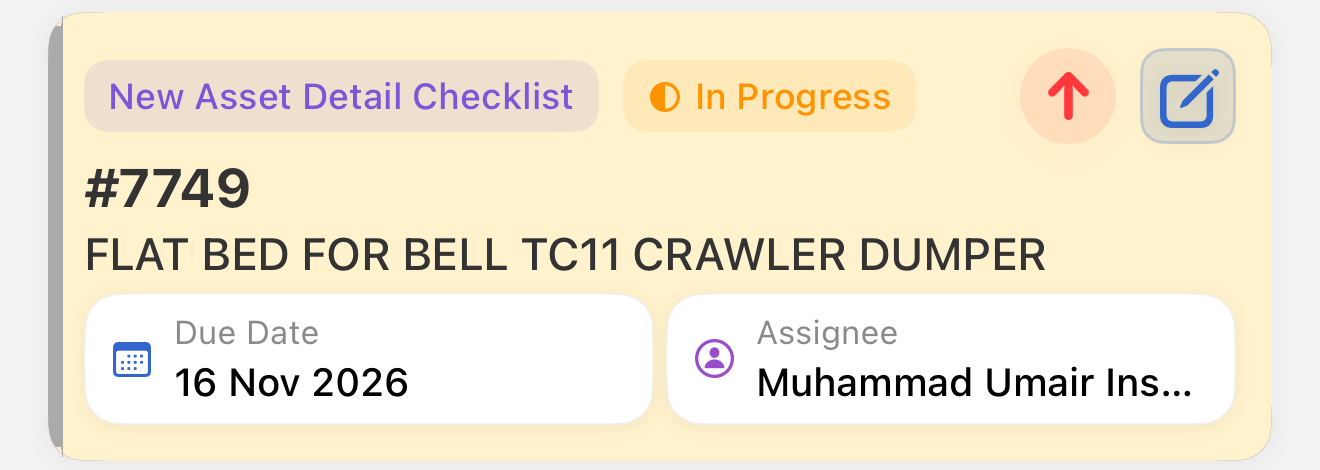
Appearance
NADC Overview
A New Asset Detail Checklist (NADC) is a checklist completed for a new asset. The technician confirms the asset's details against the machine, such as make, model, year, serial number, and hour meter reading, and answers the checklist questions.
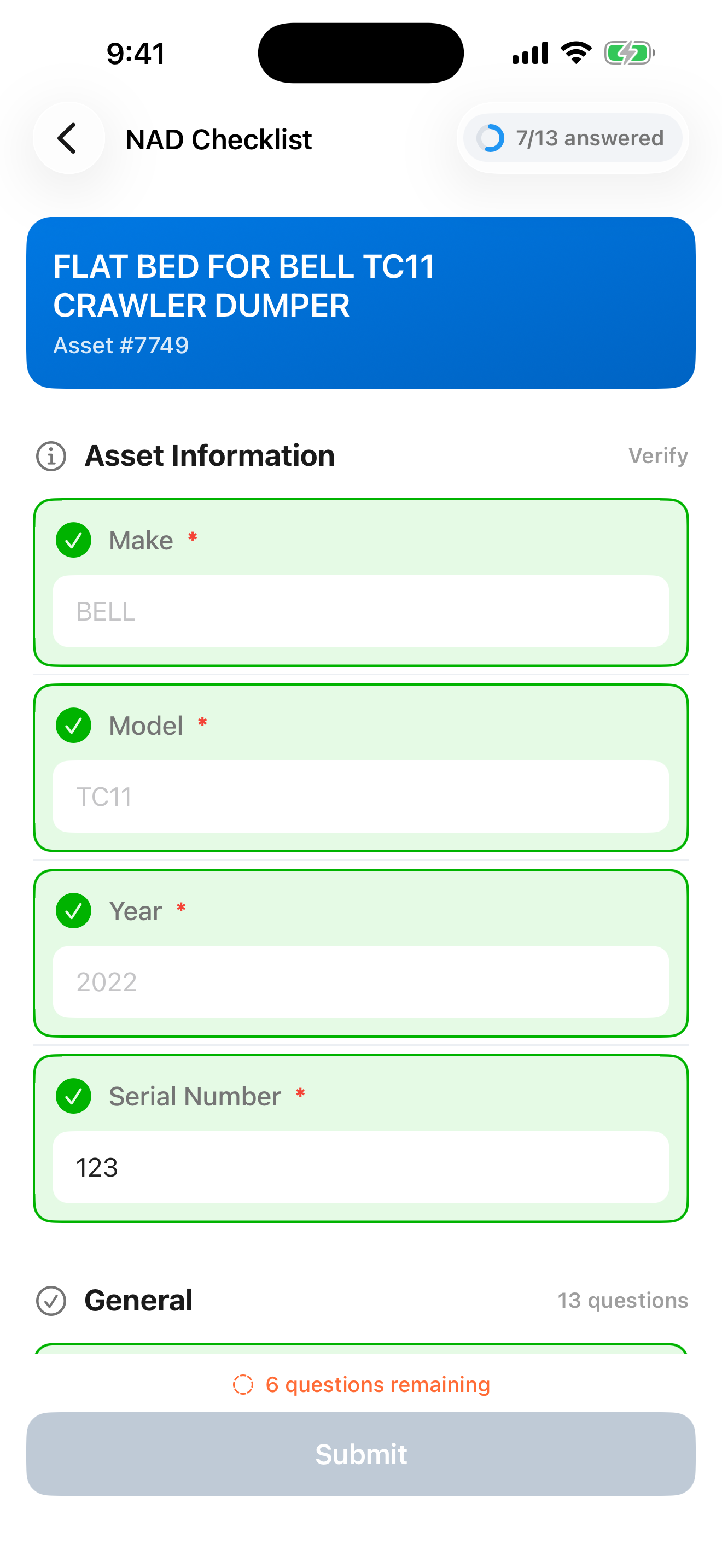
When it is used: When a new asset is added and its details need to be verified before it goes into service.
Key characteristics:
- Created, assigned, and reviewed in CloudERM. InspectERM is used to answer and submit the checklist
- Answers are saved automatically as you enter them
- The checklist is submitted for review when all required questions are answered
- Opening a checklist requires an internet connection
NADC checklists appear only if you have permission to view work orders and work orders are enabled for your organization.
Status progression:
Pending → Ready → In Progress → Completed
A checklist can be answered and submitted only while it is Ready or In Progress. In any other status it is read-only.
Badge: Violet pill labeled "New Asset Detail Checklist"