Appearance
Work Orders Overview
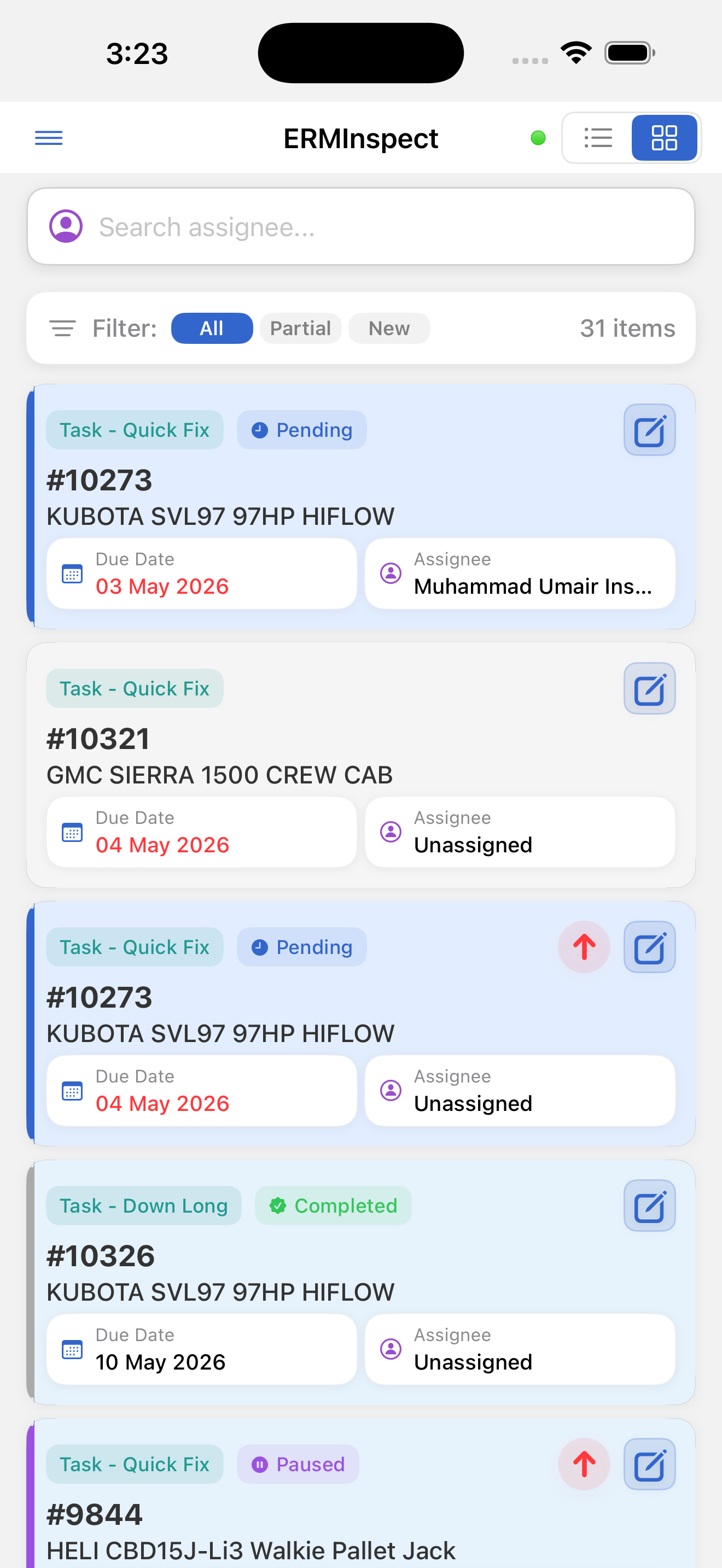
Work orders represent repairs, maintenance jobs, parts installations, or corrective actions, usually tied to an asset. They are created and assigned in CloudERM and appear in InspectERM for field execution.
Work orders appear only if you have permission to view work orders and work orders are enabled for your organization.
Work order statuses:
| Status | Meaning |
|---|---|
| Pending | Waiting on parts, approval, or further information |
| Ready | Assigned and ready to begin |
| In Progress | A technician has started work |
| Paused | Work temporarily stopped |
| Work Completed | All work finished by the technician |
| Completed | Closed and verified in CloudERM |
Badge: Teal pill labeled "Work Order" or "Work Order - [Task level name]"
A work order that is not linked to an asset shows No asset in place of the asset number.