Appearance
Invoices
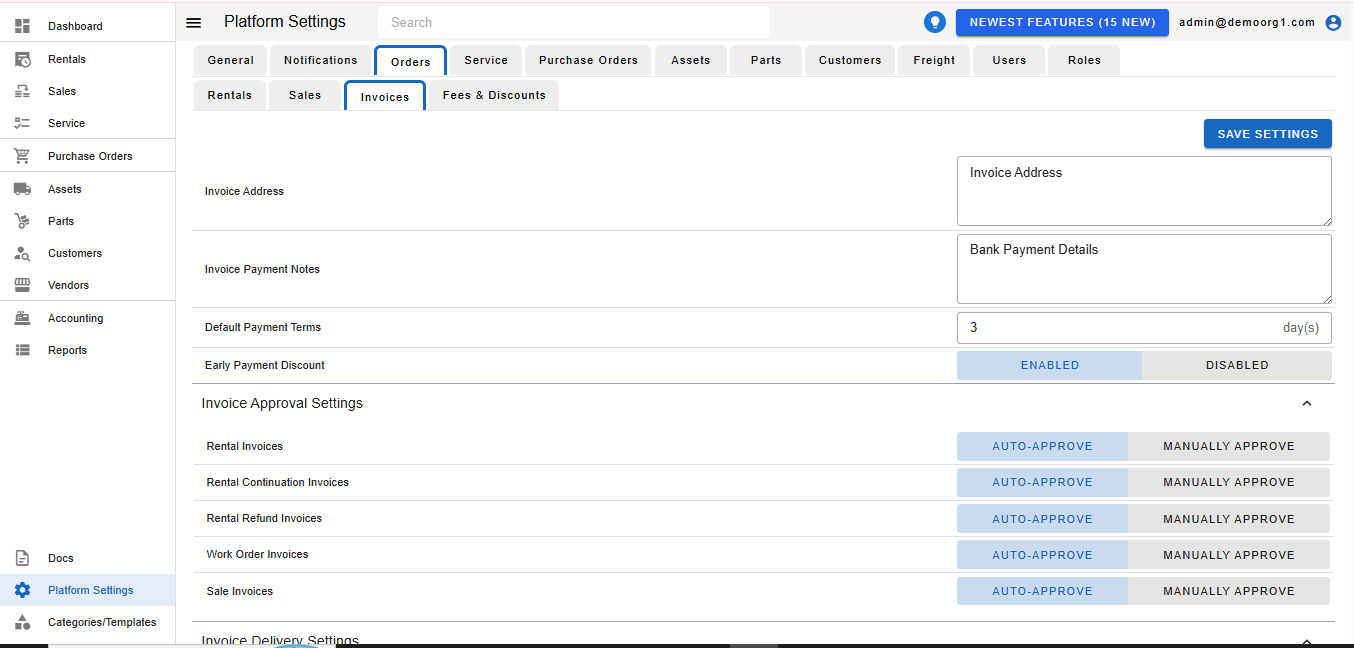
The Invoices Tab allows viewing/modifying the following settings:
- Invoice Address: Business Address used on invoices
- Invoice Payment Notes: Default Payment Notes on invoices.
- Default Payment Terms: Default invoice payment window.
- Invoice Approval Settings: Determines for each type of invoice, whether it should be auto-approved or not.
To modify information, simply edit the field and click on the Save Settings button to sync settings with the server.